How to Get Started with ROS2: Nodes, Topics, and Services
ROS2 is the middleware powering modern robots — from warehouse AMRs to surgical arms. This guide takes you from installation to your first working robot system with nodes, topics, services, and launch files.

Introduction
ROS2 is the middleware powering modern robots — from warehouse AMRs to surgical arms. This guide takes you from installation to your first working robot system with nodes, topics, services, and launch files.
Prerequisites
- ✓ Ubuntu 22.04 or later (or Docker)
- ✓ Basic Python or C++ programming
- ✓ Understanding of Linux command line
- ✓ Familiarity with basic robotics concepts
Key Concepts
Step-by-Step Guide
- 1
Install ROS2
Install ROS2 Humble (LTS, supported through 2027) on Ubuntu 22.04. Add the ROS2 apt repository, install the desktop package, and source the setup script. For other platforms, use Docker containers.
bash# Ubuntu 22.04 — ROS2 Humble sudo apt update && sudo apt install -y locales sudo locale-gen en_US en_US.UTF-8 sudo update-locale LC_ALL=en_US.UTF-8 LANG=en_US.UTF-8 sudo apt install software-properties-common sudo add-apt-repository universe sudo apt update && sudo apt install -y curl sudo curl -sSL https://raw.githubusercontent.com/ros/rosdistro/master/ros.key -o /usr/share/keyrings/ros-archive-keyring.gpg echo "deb [arch=$(dpkg --print-architecture) signed-by=/usr/share/keyrings/ros-archive-keyring.gpg] http://packages.ros.org/ros2/ubuntu $(. /etc/os-release && echo $UBUNTU_CODENAME) main" | sudo tee /etc/apt/sources.list.d/ros2.list > /dev/null sudo apt update sudo apt install -y ros-humble-desktop-full source /opt/ros/humble/setup.bash - 2
Understand the ROS2 Architecture
ROS2 is a distributed system where each component runs as a separate node. Nodes find each other via DDS discovery (no master node needed, unlike ROS1). Communication patterns: topics (pub/sub for data), services (sync request/response), and actions (async with feedback). This decentralized architecture makes ROS2 more robust and real-time capable.
Tip: Unlike ROS1 which required a central roscore master, ROS2 uses DDS discovery — no single point of failure and better multi-robot support. - 3
Write Your First Node
Create a Python node that publishes a message to a topic. Import rclpy, create a Node class, create a publisher, and spin to process callbacks.
python# minimal_publisher.py import rclpy from rclpy.node import Node from std_msgs.msg import String class MinimalPublisher(Node): def __init__(self): super().__init__('minimal_publisher') self.publisher_ = self.create_publisher(String, 'topic', 10) self.timer = self.create_timer(0.5, self.timer_callback) self.i = 0 def timer_callback(self): msg = String() msg.data = f'Hello ROS2! Count: {self.i}' self.publisher_.publish(msg) self.get_logger().info(f'Publishing: "{msg.data}"') self.i += 1 def main(args=None): rclpy.init(args=args) rclpy.spin(MinimalPublisher()) rclpy.shutdown() - 4
Create a Subscriber Node
Write a node that subscribes to the topic. The subscriber callback is invoked whenever a new message arrives.
python# minimal_subscriber.py import rclpy from rclpy.node import Node from std_msgs.msg import String class MinimalSubscriber(Node): def __init__(self): super().__init__('minimal_subscriber') self.create_subscription(String, 'topic', self.callback, 10) def callback(self, msg): self.get_logger().info(f'Received: "{msg.data}"') def main(args=None): rclpy.init(args=args) rclpy.spin(MinimalSubscriber()) rclpy.shutdown() - 5
Use Services for Request/Response
Services are for synchronous queries — e.g., "get battery level" or "set motor speed." Define a .srv interface, create a server, and call from a client.
python# service_server.py from example_interfaces.srv import AddTwoInts import rclpy from rclpy.node import Node class AddTwoIntsServer(Node): def __init__(self): super().__init__('add_two_ints_server') self.create_service(AddTwoInts, 'add_two_ints', self.callback) def callback(self, request, response): response.sum = request.a + request.b self.get_logger().info(f'{request.a} + {request.b} = {response.sum}') return response - 6
Implement Actions for Long-Running Tasks
Actions are for long-running, cancellable tasks with feedback — e.g., "navigate to goal" or "move arm to position." An action server executes the goal and sends periodic feedback; the client monitors progress.
Tip: Use actions instead of services for any task taking more than a few seconds. Actions support cancellation and feedback — critical for navigation and manipulation. - 7
Create Launch Files
Launch files start multiple nodes with one command, set parameters, and configure remappings. Use Python launch files for ROS2.
python# launch_talker_listener.py from launch import LaunchDescription from launch_ros.actions import Node def generate_launch_description(): return LaunchDescription([ Node(package='demo_nodes_cpp', executable='talker', name='talker'), Node(package='demo_nodes_py', executable='listener', name='listener'), ]) - 8
Work with TF2 (Transformations)
TF2 tracks the position of every coordinate frame in your robot over time — base_link, lidar, camera, gripper, map, odom. Any node can query the transform between any two frames. Essential for sensor fusion, navigation, and manipulation.
Warning: If your TF tree is broken, navigation, perception, and manipulation will all fail. Verify with `ros2 run tf2_tools view_frames` before debugging other issues. - 9
Use RViz2 for Visualization
RViz2 is the 3D visualization tool for ROS2. It displays sensor data (LiDAR, camera, IMU), robot model (URDF), TF frames, and planned paths. Indispensable for development.
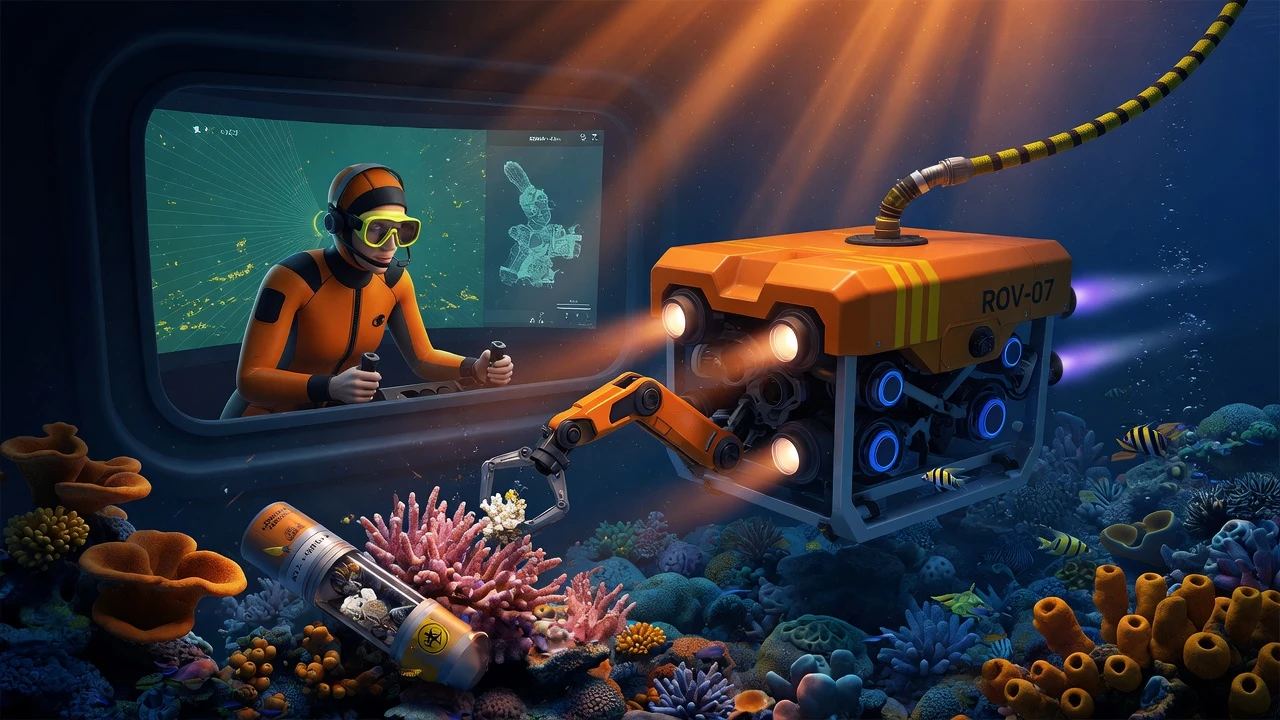
RViz2 visualization of a warehouse AMR showing LiDAR scans, costmaps, and planned paths. - 10
Build a Complete Robot System
Combine everything: sensor driver, perception, planning, control, and a launch file. Use topics for data flow, services for queries, actions for goals, and TF2 for transforms. Package with colcon build.
bash# Create and build a ROS2 package ros2 pkg create --build-type ament_python my_robot \ --dependencies rclpy std_msgs sensor_msgs geometry_msgs nav_msgs tf2_ros colcon build --packages-select my_robot source install/setup.bash ros2 launch my_robot robot_bringup.launch.py
Summary
ROS2 is the standard middleware for modern robotics, providing decentralized, real-time communication. Core concepts: nodes, topics (pub/sub), services (sync request/response), and actions (async with feedback). Key tools: TF2 for transforms, RViz2 for visualization, launch files for startup, colcon for building. Unlike ROS1, ROS2 needs no master node (DDS discovery) and is production-ready.
Frequently Asked Questions
ROS2. ROS1 is end-of-life (Noetic EOL May 2025). ROS2 has better real-time support, no master node, and production readiness. All new projects should use ROS2.
Both are fully supported. Python for prototyping and high-level logic; C++ for performance-critical nodes. Most production robots use a mix.
Topics are async, many-to-many, for continuous data streams. Services are sync, one-to-one, for one-off queries. Use actions for long tasks with feedback.
Yes. DDS provides real-time guarantees, lifecycle nodes for managed startup, and QoS for reliable communication. iRobot, BMW, and NASA use ROS2 in production.
Test Your Knowledge
1. What is the key architectural difference between ROS1 and ROS2?
ROS1 required a central roscore master. ROS2 uses DDS for decentralized discovery — no single point of failure, better for multi-robot and production.
2. When should you use an action instead of a service?
Actions are for long-running, cancellable tasks with feedback (navigation, arm movement). Services are synchronous and block the caller.
3. What does TF2 do in a ROS2 system?
TF2 maintains the tree of coordinate frame transformations (base_link, sensors, map, odom) over time. Any node can query any frame relative to any other.