How to Build a Ransomware Response Playbook: Detection to Recovery
Ransomware attacks are the most damaging cyber threat facing organizations. This playbook guides you through detection, containment, eradication, and recovery — step by step.
Introduction
Ransomware attacks are the most damaging cyber threat facing organizations. This playbook guides you through detection, containment, eradication, and recovery — step by step.
Prerequisites
- ✓ IT infrastructure knowledge
- ✓ Understanding of incident response concepts
- ✓ Familiarity with backup and recovery systems
Key Concepts
Step-by-Step Guide
- 1
Phase 1: Detection and Identification
Detect ransomware early by monitoring for: mass file modifications, encryption-related process activity (vssadmin delete, cipher.exe), unusual network SMB traffic, antivirus alerts, and user reports of inaccessible files. Time is critical — every minute of delay means more encrypted data.
Tip: Deploy canary files — fake files that alert when modified. These detect ransomware before it reaches critical data. - 2
Phase 2: Containment
Immediately isolate affected systems: disconnect from network (physical or VLAN isolation), disable compromised accounts, block malicious IPs and domains, and preserve evidence (memory dumps, disk images). Do NOT power off infected systems — this can destroy volatile evidence and trigger destructive payloads.
Warning: Do NOT delete or clean infected systems immediately. Forensic evidence on these systems is critical for understanding the attack and may be needed for insurance or legal proceedings. - 3
Phase 3: Eradication
Remove the ransomware and attacker access: identify the attack vector (phishing, RDP, vulnerability exploit), patch the vulnerability, remove malware using AV/EDR tools, reset all compromised credentials, and verify no backdoors or persistence mechanisms remain. Attackers often maintain access through multiple methods.
bash# Common persistence mechanisms to check reg query "HKCU\Software\Microsoft\Windows\CurrentVersion\Run" schtasks /query /fo LIST /v crontab -l # Linux systemctl list-unit-files --state=enabled - 4
Phase 4: Recovery
Restore systems from clean backups. Priority order: critical business systems, user workstations, and supporting infrastructure. Verify backup integrity before restoring. Scan restored systems for malware. Consider rebuilding from known-good images rather than cleaning infected systems.
Tip: Test your backup restoration process BEFORE an attack. 40% of organizations discover their backups don't work during a ransomware incident. - 5
Phase 5: Post-Incident Analysis
After recovery, conduct a thorough post-incident review: How did the attacker get in? How long were they in the environment? What data was accessed or stolen? What worked in the response? What failed? Update your incident response plan based on lessons learned.

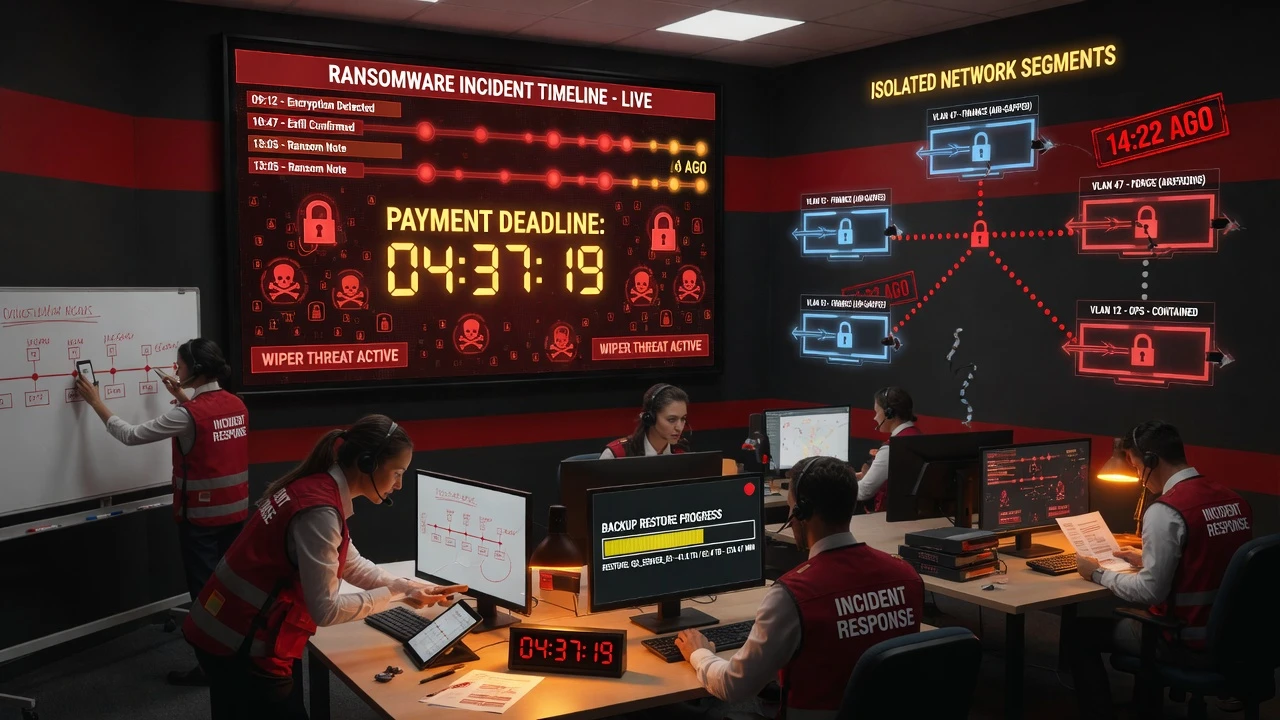
Security Operations Centers coordinate the incident response — detection, containment, and recovery happen simultaneously. - 6
Implement Preventive Measures
After recovery, strengthen defenses: deploy EDR/XDR, implement network segmentation, enforce MFA everywhere (especially RDP and VPN), patch management automation, email security (anti-phishing), and least-privilege access controls. The most common entry points are unpatched VPNs and RDP with weak credentials.
- 7
Build a Backup Strategy
Follow the 3-2-1 rule: 3 copies of data, on 2 different media, with 1 copy offsite and offline. Immutable backups (cannot be modified or deleted) are critical — ransomware actively targets backup systems. Test restoration quarterly.
Warning: Cloud backups are not automatically safe — if your cloud credentials are compromised, attackers can delete cloud backups. Use immutable storage or backup accounts with separate credentials. - 8
Prepare a Communication Plan
Pre-draft communication templates for: internal stakeholders, customers, regulators, law enforcement, and media. Designate a spokesperson. Know your regulatory notification obligations (GDPR 72-hour rule, HIPAA, state breach laws). Contact FBI/IC3 or local law enforcement.
textIncident Communication Checklist: □ Internal notification template (executive, IT, legal) □ Customer notification template □ Regulator notification template □ Law enforcement contact list □ Cyber insurance contact □ PR firm contact (pre-vetted) □ Forensics firm contact (pre-vetted) - 9
Decide on Ransom Payment
The decision to pay ransom is complex. Considerations: Can you recover from backups? Is the data truly critical? Is payment legal in your jurisdiction? (OFAC sanctions prohibit payment to sanctioned entities.) Paying does not guarantee data recovery — 35% of paying victims don't get all data back.
Tip: Consult legal counsel before any payment decision. The FBI recommends not paying, as payment funds future attacks. However, in life-threatening situations (healthcare), payment may be the only option. - 10
Conduct Tabletop Exercises
Practice your ransomware response before a real attack. Run quarterly tabletop exercises with IT, security, legal, PR, and executive teams. Simulate a realistic attack scenario and walk through your response plan. Identify gaps and improve.
Warning: Tabletop exercises reveal that most organizations are not prepared. Common failures: no offline backups, no communication plan, no legal counsel pre-vetted, and no forensics firm on retainer. - 11
Implement Zero Trust to Prevent Lateral Movement
Ransomware spreads by moving laterally through the network. Zero Trust architecture (identity-based segmentation, least privilege, continuous verification) limits the blast radius. If one system is compromised, segmentation prevents the ransomware from spreading to the entire network.
- 12
Monitor for Data Exfiltration
Modern ransomware (double extortion) steals data before encrypting. Monitor for: large data uploads, unusual outbound connections, DNS tunneling, and data staging (large files in unusual locations). Deploy DLP (Data Loss Prevention) tools to detect and block exfiltration attempts.
Summary
Ransomware response requires preparation, speed, and coordination. The 5 phases — detection, containment, eradication, recovery, and post-incident analysis — must be practiced before an attack. The most critical preventive measures are immutable offline backups, network segmentation, MFA, and patch management. Never assume your backups work — test them. Never assume you won't be attacked — prepare your response plan now.
Frequently Asked Questions
The FBI recommends not paying. Paying funds future attacks and doesn't guarantee recovery (35% of paying victims don't get all data back). However, in life-threatening situations or when backups are destroyed, payment may be the only option. Always consult legal counsel first.
For a mid-size organization: 1-2 weeks to restore critical systems, 1-3 months for full recovery. Costs average $1.5M for recovery plus $3M in lost business. Organizations with tested backup strategies recover 5x faster.
Compromised RDP credentials (40%), phishing emails (30%), and exploited vulnerabilities (20%). Enforcing MFA on RDP and VPN, combined with email security, prevents most attacks.
Cloud environments can be targeted through compromised credentials. Attackers can encrypt cloud storage or delete backups. Use immutable storage, separate backup credentials, and cloud security posture management (CSPM).
Test Your Knowledge
1. What is the first action to take when ransomware is detected?
Isolating affected systems stops the ransomware from spreading. Do NOT power off — this can destroy volatile evidence and may trigger destructive payloads. Containment is the first priority.
2. What is the 3-2-1 backup rule?
The 3-2-1 rule: 3 copies of your data, stored on 2 different types of media, with 1 copy stored offsite and preferably offline. This ensures recovery even if primary and on-site backups are destroyed.
3. What is double extortion in ransomware?
Double extortion: attackers first steal sensitive data, then encrypt the systems. Even if victims can restore from backups, attackers threaten to publish the stolen data unless ransom is paid.